
Skip to content

Communications

Design the message. Measure what happens next.

Email, inbox, web push, and mobile push in one composer. Choose the Conversion that matters, run the Experiment, and see which Variant won.

No credit card to start.

Communications + Experiments

The Experiment is part of the message.

Write the Control and Variant side by side, choose the Conversion that matters, and run the Experiment in the same place.

Apex shows the Winner and puts a dollar value on the difference. You do not have to match a send report to an experiment report later. The message and its Outcome stay together.

Create a variant
2Start the experiment
3Apex tracks the winner
4Promote the winner
Free to paid tournament
Ready
What's sending
Apple Mail
Skill Shotsupport@skillshotgolf.com9:41 AM

To: me

Variant A
Apple Mail
Skill Shotsupport@skillshotgolf.com9:41 AM

To: me

Set up Apex Communications

From your codebase to a finished message.

Add Apex MCP to Cursor with one click. Your coding agent can then find the signup, cart, purchase, and product moments already in your code, match their customer details, and check that they are arriving.

Start with a complete message, then change every word in the Communication Composer. Each message shows the customer details it needs, and the preview merges example values before it sends. Preview email, inbox, web push, and mobile push before you send.

Cart Abandoned · ready to make yours

Skill Shot sample workspace

Let your coding agent wire it

Apex finds the moments and customer details already in your app.

Finds signup, cart, and purchase momentsMatches the right customer detailsChecks that everything is arriving
add_to_cart is live

Variables

Found in Skill Shot and ready to merge.

Three ways to insert

  • Type {{ in any field for autocomplete.
  • Drag a variable onto a field.
  • Click one to drop it where you’re editing on the canvas.
specwirednot wiredsysbuilt-in

Added to cart(app)

Apex found these details in the moment that starts this message.

Customer

Details Apex knows about the person receiving this message.

Apple Mail
Skill Shotsupport@skillshotgolf.com9:41 AM

To: me

Header
Skill Shot
Heading
Text
Image
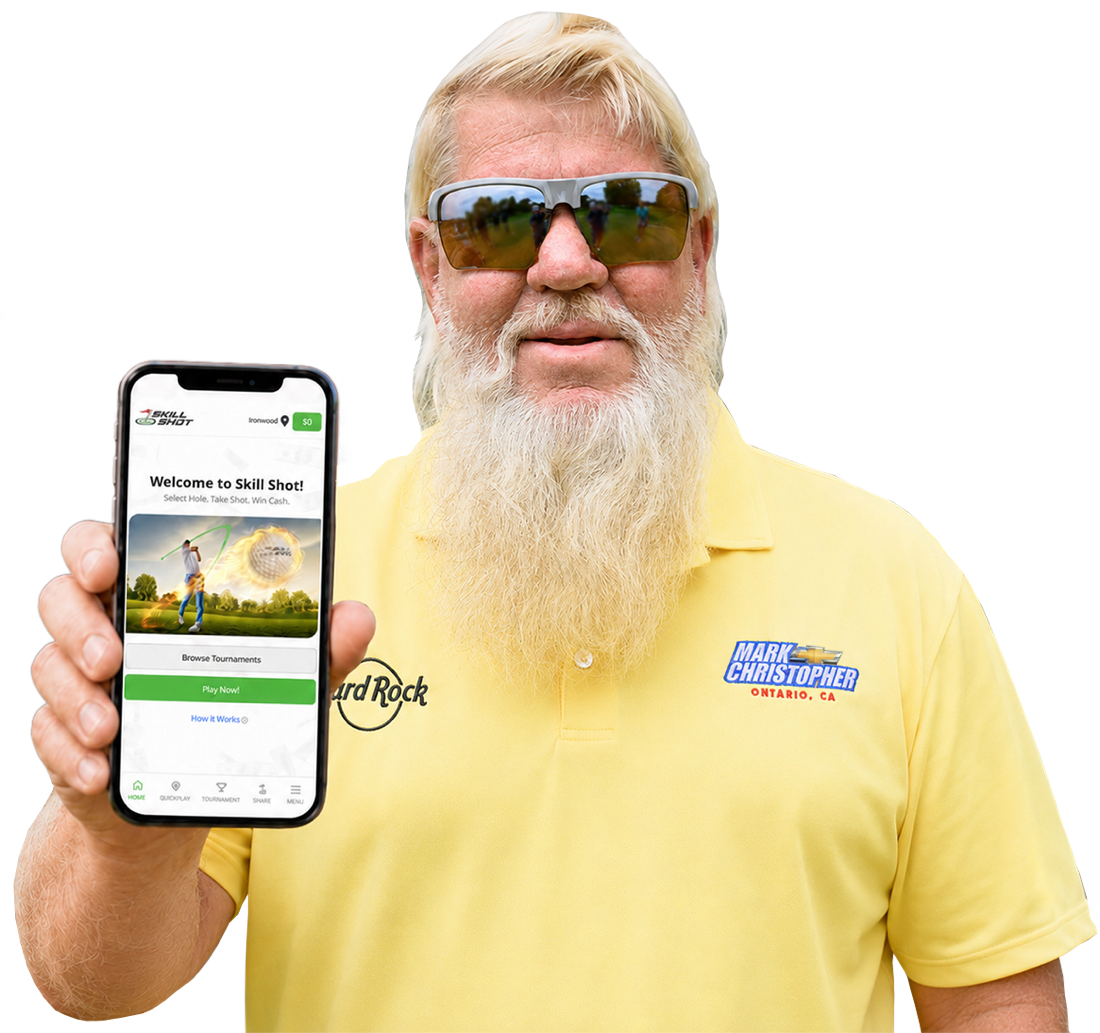
John Daly holding the Skill Shot app
Text
Image
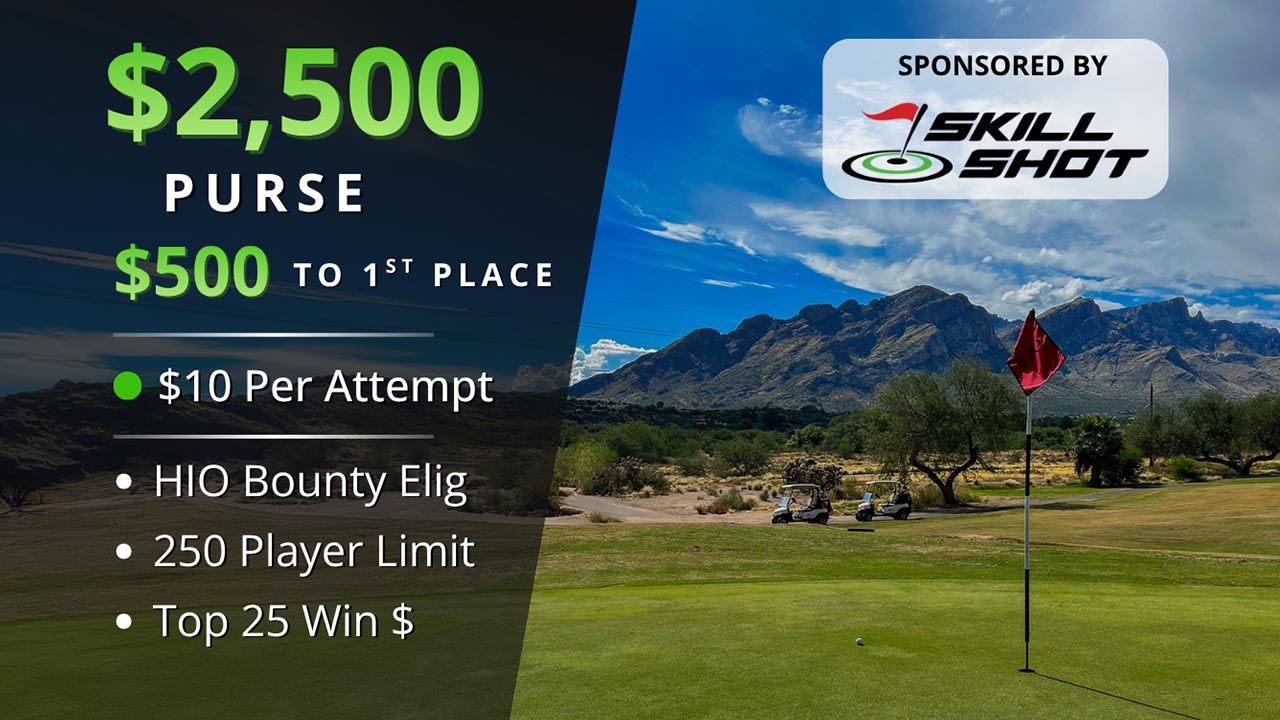
Skill Shot tournament with a $2,500 prize pot
Button

Themes + inbox previews

Make it yours. Check it before it sends.

Set fonts, sizes, colors, buttons, and dark-mode behavior in one Theme. Preview the Theme in Apple Mail, Gmail, Outlook, and Yahoo, in light and dark.

Apex names the inbox and the problem when a color choice may not hold up.

Skill Shot Theme

The same look for every email that uses it

Draft preview
Typography

Renders natively everywhere — no webfont to load

Colors

Pick a color to edit.

Buttons
Layout

Width of the readable content column, in pixels.

Dark inboxes

In dark inboxes, Apex darkens your surfaces on-brand and lightens text so the email isn't glaring.

Apple Mail preview

Switch the inbox, not your app

Subject
Come play for the big prizes, Alex
Apple MailLight + dark
GmailLight + dark
Outlook.comLight + dark
Yahoo MailLight + dark
This Theme has no color warnings in Apex’s directional client checks.

Marketing Campaigns

Send once. Measure what happens after.

Choose the Segment, schedule, communication, Conversion, and conversion window for a Marketing Campaign in one place.

A launch announcement is not successful because someone opened it. Choose the Conversion that counts, then see whether customers did it.

Product Launch Announcement

Skill Shot sample workspace

Campaign and Segment

Segment

Free players ready for a paid game

1,842 people

playedand has not entered

WorkspaceWeekend jackpot Marketing CampaignFree-to-paid Adaptive Journey

Adaptive Journeys

Let customer behavior change the path.

Start an Adaptive Journey from customer behavior, then Wait, Branch, Send, run an Experiment, call a Webhook, or Exit.

A Global Holdout shows whether the Adaptive Journey changed the chosen Conversion.

Activation onboarding

Skill Shot sample workspace

Choose a Journey

Adoption Milestones for product-led growth

See where customers stop. Help them take the next step.

Pick the product moment that matters: invite a teammate, publish a project, or enter a paid tournament. Turn any valuable product action into an Adoption Milestone. Apex shows who is Not yet and who is Done, then sends a Nudge before completion and a Celebration after it.

The Nudge stops the instant a customer becomes Done, and a Global Holdout shows whether it caused more customers to finish. That turns product-led growth from a funnel you watch into a path you can improve.

One Milestone. Both outcomes.

Skill Shot sample workspace

Done when Apex sees

Paid tournament enteredpaid_tournament_enteredLive

Clock

7 days

After a free game

Proof

Global Holdout

Measuring lift

See the whole product-led growth loop at once

Apex nudges the people who are stuck, stops when they finish, celebrates the moment, and measures whether it changed behavior.

Before completion

Not yet

612 players are stuck here

612

players Not yet

Seven days passed

Still no paid game.

Nudge sends

Only to Not yet.

Measured against a Global Holdout

Some players get no Nudge, so the lift is causal.

The Nudge

What Alex receives while still Not yet

Email
Subject
Come play for the big prizes, Alex

After completion

Done

Alex completed the Milestone

1,231

players Done

Paid entry seen

Alex moves forward.

Celebration sends

The Nudge stops.

+16.4 points more completion

Apex proves more players finished after the Nudge.

The Celebration

What Alex receives after becoming Done

Email
Subject
You're in the Weekend Jackpot, Alex

Keep the lesson

Start the next message with evidence.

When an Experiment ends with a clear Outcome, Apex offers to save it as a Belief. You choose whether to keep it. The next message starts with what you already know.

Belief graph · live

12 beliefs
Enterprise demos85%LinkedIn > Meta B2B72%Pricing page matters91%Pricing anchor works89%Webinar → pipeline48%Social proof → trust55%Sales-assisted ICP68%Onboarding email lift82%Demo duration → close77%Re-engagement timing64%Feature flag drop34%Free trial activates76%
Belief updated

Your move

Write the next message with evidence.

Start with a template, make it yours, and run the first Experiment against a Conversion you already track. You do not need a sales call to begin.